
Xe Apps
Xe-Zip
FreemacOSA minimal Mac app for store-only zipping and extraction. Built by Xenon Post for post-production workflows where speed and clean archives matter.
What it does
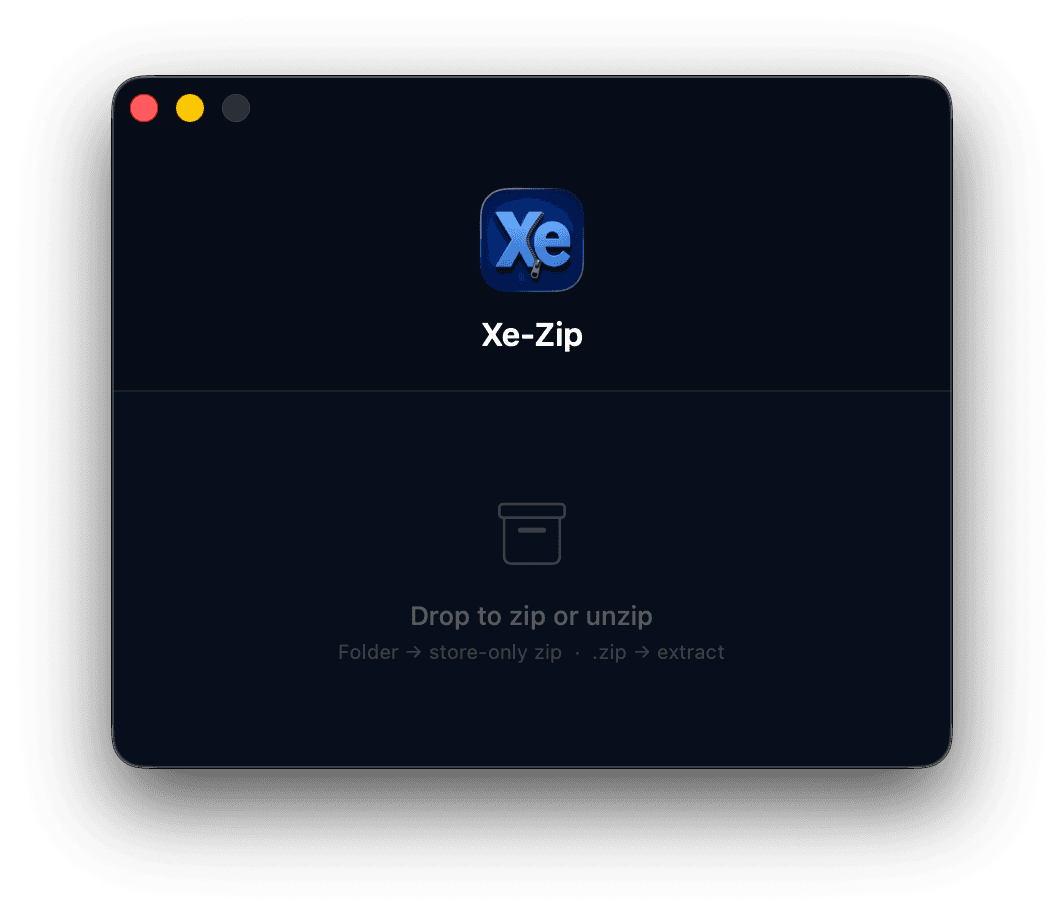
Xe-Zip lets you drop a folder onto its window and instantly wraps it into a ZIP archive with no compression, preserving every byte exactly as-is while stripping macOS metadata that clutters archives shared with other systems.
Drop a ZIP file and it extracts the contents. That’s the whole app. Built for NAS and SAN workflows where compressing already-compressed media wastes CPU time for no space saving.
How it works
Open Xe-Zip
Launch the app. It sits as a single drop zone window with no menus to navigate and no preferences to configure.
Drop a folder
Drag any folder onto the window. Xe-Zip wraps it into a ZIP immediately using store mode, with no compression and no waiting.
Or drop a ZIP
Drag any .zip file onto the window instead. Xe-Zip extracts the contents next to the original, stripping macOS metadata in the process.
Done
The archive or extracted folder appears in the same location as your source. Close the app or drop another. It’s ready immediately.
Adding Xe-Zip to the right-click menu
Once installed, you can enable Xe-Zip as a Finder Quick Action so it appears when you right-click any folder or ZIP file, with no need to open the app first.
Open System Settings → Privacy & Security → Extensions
Click Added Extensions (or Finder Extensions)
Check the box next to Xe-Zip
Right-click any folder or ZIP in Finder. Xe-Zip now appears under Quick Actions
Quick path
Download
Xe-Zip · Free
macOS 14+ · Universal binary